 |
|
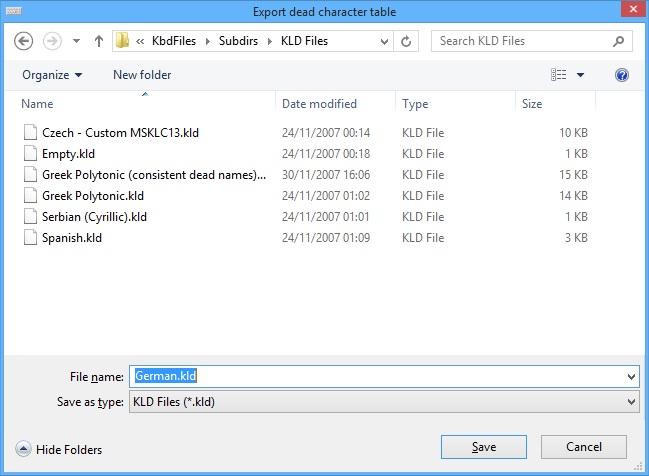
Export dead char table to KLD fileFeature available only in Premium and Personal editions. The "Export dead character table" dialog is accessed through the "Export to file" button in the Dead Character Editor. The dialog allows you to export the current dead table to a plain text file, which can be imported into another layout using Import to file. If you only need to reuse another layout's dead table, an easier way to accomplish this is through the "Import dead table from layout" dialog.
A KLD file is a stripped-down KLC file, which contains only dead key-specific entries. If you decide to manually edit a KLD file exported from KbdEdit, or create a new one, make sure you save it as a properly encoded Unicode file, in either the UTF8 or UTF16 format. E.g. if you use the Windows standard Notepad editor, you should choose Unicode from the Text encoding combo in its Save As dialog. Back to Dead character editor |
|
Copyright © KbdSoft 2007-2026 |