KbdEdit
Editions
KbdEdit exists in Premium, Personal, Lite and
Player editions. Each edition has custom-tailored pricing, feature set and
licensing options aimed at specific needs of home and business users.
All editions support both 32- and 64-bit Windows versions by default - it is
not necessary to purchase a 64-bit version separately.
Premium Edition
|
|
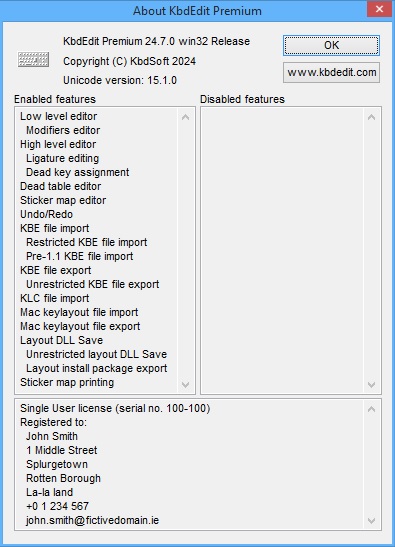
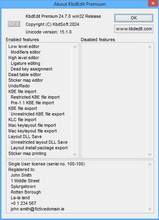
| Premium edition is a fully functional version, without any
restrictions on any of the features described in the manual. This is the
only KbdEdit edition that can produce
Standalone Layout Installers
(Generate
Layout Install Package command). It is intended for users who want to
publish their custom layouts to a wide audience.
You can order the KbdEdit Premium edition from the
Online purchase
page. |
 |
Personal Edition
|
|
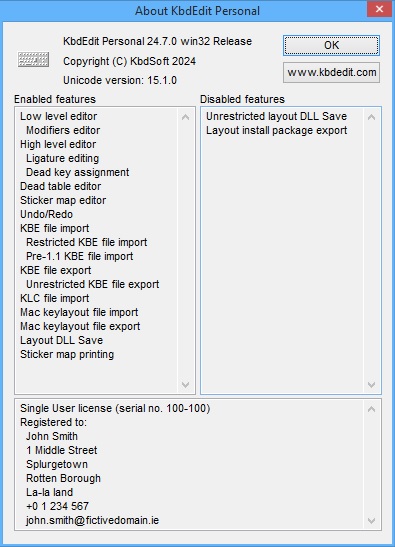
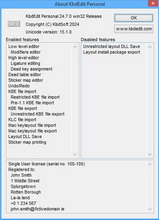
| The only restriction in the Personal edition is the absence of
the Generate Layout
Install Package command. This edition is intended for users who want
to create custom layouts for personal use on a single computer. These
layouts can still be deployed to other computers through KbdEdit's
KBE file format, however each target
machine is required to run its own installation of KbdEdit
Player.
Personal edition corresponds to the "Full" edition in pre-1.3.0 KbdEdit releases.
You can order the KbdEdit Personal edition from the
Online purchase
page. |
 |
Lite Edition
|
|
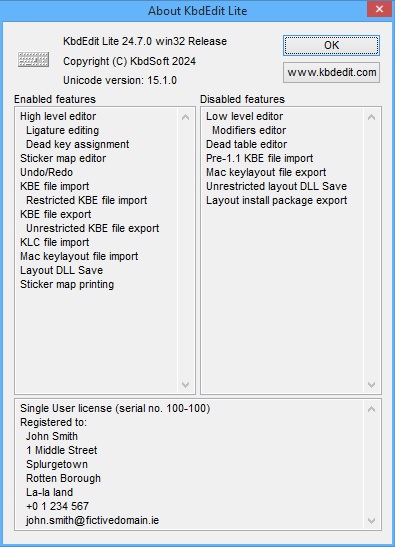
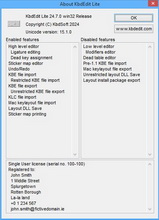
| Lite edition is a scaled-down version with an accordingly
lower price tag. It is intended for users who only want basic
character-to-key mapping functions, and do not need advanced
features like dead character table editing,
special keys remapping or generation of
Layout Install Packages. You can order the
KbdEdit Lite edition from the
Online purchase
page.
Lite version can be used to:
Lite version does not allow to:
|
 |
Player Edition
|
|
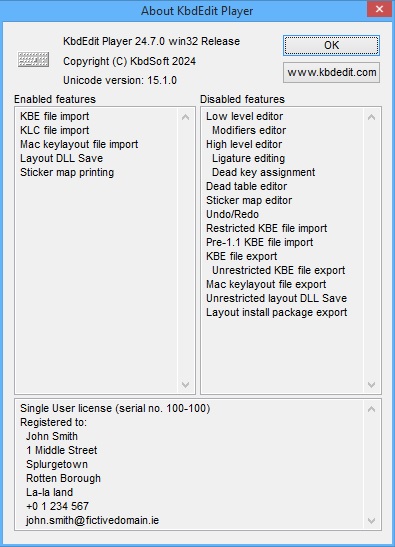
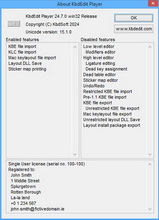
| Player edition is a read-only version used for the
deployment of custom layouts created with the Premium, Personal or Lite version. It supports the features
needed to import and deploy a custom layout from a number of formats (KBE,
KLC, layout DLL file).
It does not support any editing features. Note that Player edition is not needed for the deployment of
Standalone Layout Installer
packages generated
by the Premium edition.
The intended usage scenario is:
- Use the Premium, Personal or Lite version to create a custom layout.
- Export the layout in KBE file format.
- Use the Player version to deploy the KBE file to any number of computers.
Player version can be
used to:
Player version does not allow to:
|
 |
Manual index
|