 |
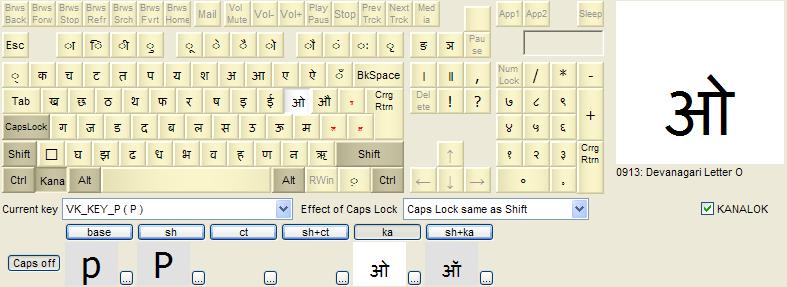
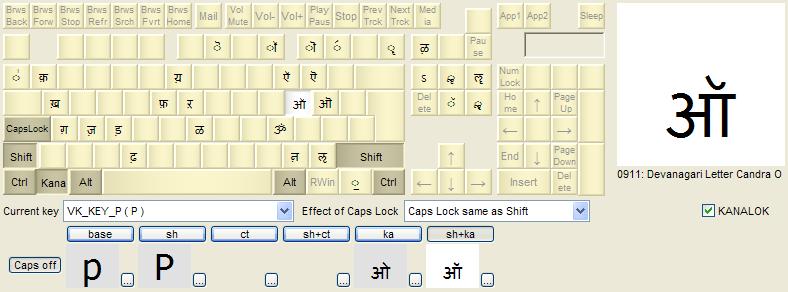
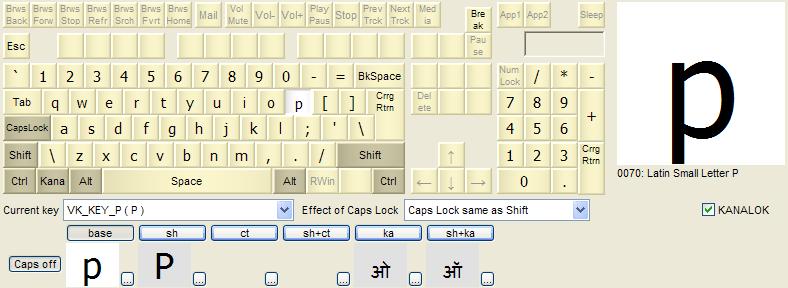
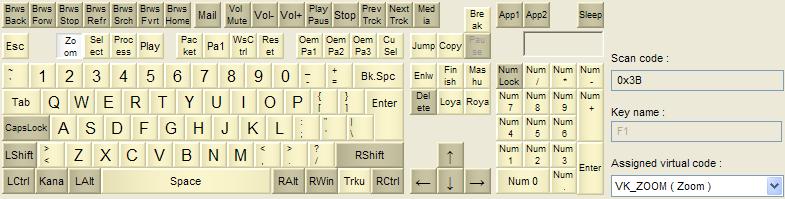
Example - Multi-lingual Hindi / US English keyboard (contributed by Barun Kumar)Installer package: KbdEditInstallerHindiEnglish.exeLayout file: Hindi_English.zipSticker map: Hindi_English_xls.zipNote: this keyboard layout is published courtesy of its author, Mr Barun Kumar. You can use the installer package to deploy this keyboard layout without any restrictions. Free Demo version can be used to make changes and test them. To deploy a modified version, a Premium, Personal or Lite edition is needed. The multilingual Hindi / English keyboard enables writing in both Hindi (Devangari alphabet) and English (standard US layout). The two layouts are switched between using the togglable KANA, which is mapped to the left Windows key (see Multi-lingual English / French keyboard for a detailed explanation of this technique). The Devangari alphabet contains significantly more letters than there are "letter-like" keys on the standard keyboard. To make up for the shortfall, many keys normally reserved for special functions are remapped to serve as Devangari letters: function keys F1-F12, context menu, Insert, Home, Delete, PgUp, PgDn, PrintScreen, ScrollLock. All of these keys originally have "non-mappable" virtual key codes - it was necessary to give them unused mappable VK codes before Devangari letters could be assigned in the High-level editor. You can use this example in its original form by simply importing its KBE file - of course, nothing prevents you from further customizing it to better suit your needs (see Examples for general guidelines). The accompanying Excel document Hindi_English_xls.zip contains stickers for all keys - you can simply print it out, cut individual stickers and glue them to corresponding key caps.
|
|
Copyright © KbdSoft 2007-2026 |